IPTV Provider Scorecard 2026: Rank Trial Services Head-to-Head
September 17, 2026 · 12 min read
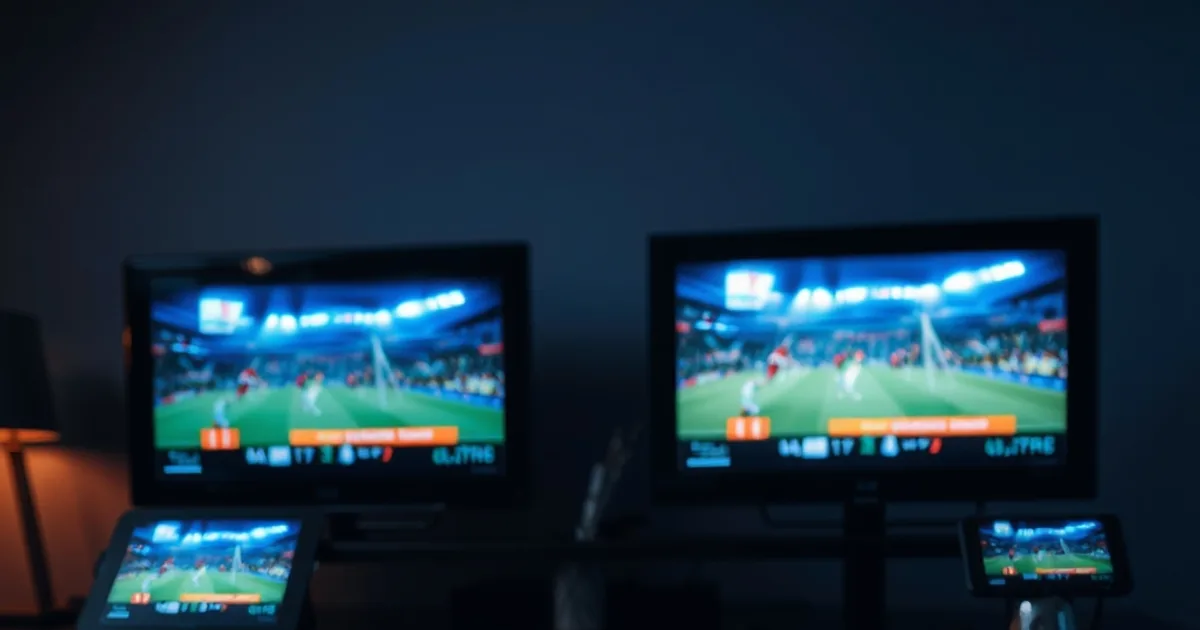
Most IPTV free trial guides teach you how to stress-test a single service — start a stream, watch for buffering, check the EPG. What almost none of them teach is how to compare two or three trials against each other and reach a defensible answer about which one actually deserves your money. An IPTV provider scorecard closes that gap: instead of testing services one after another and trying to remember which one felt better three days later, you score them against the same criteria, at the same time, and let the numbers make the call.
The UEFA Champions League league phase is already underway, with Matchday 2 fixtures on 13-14 October and Matchday 3 on 20-21 October 2026 — both stacked with high-audience games that make excellent stress tests. That window is also when trial requests spike across the industry, because casual streamers who've been putting off a decision suddenly want reliable access before a specific match. Search results are full of static 'top provider' rankings from sites that never ran a single trial themselves — the list exists, but the methodology behind it doesn't. This guide gives you that methodology: a weighted scorecard you build yourself, using trials you're actually running, so the ranking reflects your setup and your priorities instead of someone else's affiliate math.
None of what follows requires you to trust a single number from us. It requires you to run 2-3 trials in parallel, apply consistent weights, and log what you see. By the end, you'll have an IPTV provider scorecard specific to your household — reusable every time a new service launches a trial.
Why IPTV Scorecards Matter: Testing in Parallel vs. Sequential Trials
Testing providers one at a time feels efficient, but it quietly breaks the comparison. A trial you ran last Tuesday afternoon and one you're running tonight during a live match aren't comparable — network conditions, time of day, and server load on the provider's end all shifted between the two sessions. You end up comparing a memory of Provider A against a fresh impression of Provider B, and memory favors whichever one you tried most recently.
Running trials in parallel — two or three services active on separate devices or profiles during the same window — removes that variable. If Provider A holds a clean 1080p stream through a Champions League kickoff while Provider B stutters on the same match at the same minute, you're looking at a real performance gap, not a scheduling artifact. This is also the only way to catch a specific failure pattern: a provider whose trial servers are fine at 2pm but overloaded at 9pm on a matchday, which a single sequential test would completely miss.
A scorecard is what makes the parallel comparison usable afterward. Without one, you're left with vague impressions ('the second one felt smoother'). With one, you have a row of numbers per provider, captured while the experience was still fresh, that you can revisit calmly once the match is over and the decision doesn't feel urgent.
Not sure how to structure a fair side-by-side trial comparison?
The Peak-Hour Stability Metric: Why It Outweighs Channel Count During Sports
Channel count is the number every provider leads with, and it's the least useful one for predicting whether your stream survives a big match. A service listing several thousand channels tells you nothing about how its infrastructure behaves when a large share of its subscriber base tunes into the same handful of fixtures at once — which is exactly the scenario a Champions League matchday creates.
Peak-hour stability is the metric that actually predicts that outcome, and it deserves the heaviest weight in your scorecard for one simple reason: it's the failure mode you'll notice most. A thin VOD library is a mild annoyance you discover browsing on a Tuesday night. A stream that degrades to a blurry mess at the exact moment of a goal is the failure that makes you cancel. For a full walkthrough of how to structure a live-sports stress test specifically, /blog/test-iptv-free-trial-live-sports covers the setup in more depth than this scorecard section will.
In practical terms, this means your scorecard shouldn't treat every criterion as equal. A provider that scores a perfect 5 on channel breadth but collapses at kickoff should still rank behind one that has fewer channels but holds steady through ninety minutes of sustained peak load. Weighting reflects that priority; a flat average doesn't.
Building Your Scorecard: 6 Evaluation Criteria
A workable scorecard needs enough criteria to be meaningful without becoming so granular that you can't fill it out mid-match. Six categories, each scored 0-5, cover the ground that actually predicts satisfaction after the trial ends: uptime (did the stream stay live without dropping entirely), bitrate stability (did resolution hold or visibly degrade under load), EPG accuracy (does the guide match real air times, a quick check but a strong signal of backend maintenance), support responsiveness, device compatibility across whatever hardware your household actually uses, and value relative to what you observed rather than what the pricing page promises.
Assign weights before you start testing, not after you've seen the results — deciding weights retroactively lets whichever provider you already prefer win. A reasonable starting split gives uptime and bitrate stability roughly double the weight of the other four criteria combined, since those two are what peak-hour sports viewing actually stresses. EPG, support, device compatibility, and value matter, but they rarely make or break the experience during the ninety minutes that prompted the trial in the first place.
Score each criterion independently per provider, in the same session if possible, using the same device and connection. If you're testing on more than one screen at once, /blog/test-iptv-concurrent-streams-household-setup walks through how to structure a multi-device test without the streams interfering with each other's readings.
Keep the scorecard itself simple — a shared note or spreadsheet with one row per provider and one column per criterion is enough. The value isn't in the tool, it's in scoring consistently and recording observations the moment you see them, before the impression fades.
Running 2-3 Trials Simultaneously: The Setup That Matters
Before you request any trials, pick your test window deliberately. A high-profile fixture during Matchday 2 (13-14 October) or Matchday 3 (20-21 October) gives you guaranteed peak load on every provider's infrastructure at the same known time — far more useful than an arbitrary evening where load is unpredictable. Request all your trials far enough in advance that activation delays or verification steps don't push you past kickoff.
Device selection matters more than most testers assume. If you're comparing providers on the device you'll actually keep using — a specific smart TV app, a set-top box, a phone as a second screen — test on that device, not on whichever one happens to be closest. A provider that streams beautifully in a browser can behave very differently through a TV app with different buffering and codec handling.
If your household setup involves more than one screen (which is the realistic test of whether a plan holds up day to day), run that scenario during the same window rather than as an afterthought. This is also where you'll want your connection prepared: confirm your baseline speed and rule out obvious local bottlenecks before blaming a provider for something your own network caused.
Log start time, device, and connection type for each trial before kickoff. That record is what lets you defend a scorecard entry weeks later if you're deciding between a provider you liked and one you're reconsidering.
Scoring Peak-Hour Performance: Detecting Bitrate Drops and Micro-Freezes
Don't score peak-hour performance as a single pass/fail. Break it into three specific things to watch for, and note the minute each one happens if it does: visible resolution downgrading (the picture softens noticeably as the server sheds load), audio drifting out of sync with video, and repeated short freezes rather than one clean drop. Any one of these during a live match is a stronger signal than an entire quiet evening of flawless VOD playback.
A useful scoring convention: start each provider at 5 for this category and subtract a point for each distinct incident type observed, not for each occurrence. A provider that freezes briefly twice in the same way loses one point for the pattern; a provider that freezes once, then drifts audio, then drops resolution has shown three separate weaknesses and should score lower even if the total interruption time is similar. For the mechanics of measuring uptime and stability specifically, /blog/iptv-trial-uptime-stability-testing goes deeper into what to track and how to log it consistently across sessions.
Record whether recovery was clean — did the stream snap back to full quality within a few seconds, or did it stay degraded for the rest of the half. A provider that dips briefly and recovers is architecturally healthier than one that degrades and stays there, even if the initial dip looked similar on the surface.
Red Flags vs. Fixable Issues: ISP Throttling vs. Provider Overload
Before you dock a provider's score for a bad stream, rule out your own connection as the cause. ISP throttling of streaming traffic during peak hours is common enough that it can masquerade as a provider-side failure, and if it's happening, every service you test in that window will look artificially worse than it actually is. Run the comparison test described in /blog/iptv-trial-detect-isp-throttling-vpn-test before you finalize any low scores — it walks through isolating your connection as a variable using a VPN comparison, so you're scoring the provider and not your own network.
Once your connection is confirmed clean, distinguish between a fixable issue and a genuine red flag. A single freeze on one provider during a match that two other providers handled cleanly is a real data point — one incident isn't conclusive on its own, but a repeating pattern across the first half, or across two separate peak sessions, is worth acting on. Slow support response during the trial itself is fixable in theory but rarely improves after you've converted to paid, so weight it as closer to a red flag than a minor deduction.
The distinction matters because it changes what you do with a low score. A provider that struggled once during an unusually large fixture might be worth a second trial during a smaller match. A provider that struggles consistently, on a connection you've confirmed is clean, should be eliminated from your scorecard rather than given another chance — the pattern predicts what a paid subscription will look like.
Reading Your Results: Converting Test Data into a Final Scorecard Decision
Once your test window has passed, total each provider's weighted score rather than eyeballing which one 'felt' better — the whole point of building the scorecard was to remove that bias. Multiply each criterion's raw 0-5 score by its weight, sum the results per provider, and compare totals side by side.
Ties matter more than they seem to at first. If two providers land within a point of each other, don't default to price as the tiebreaker automatically — go back to your notes on peak-hour stability specifically, since that's the criterion most likely to predict your actual day-to-day satisfaction. A cheaper provider that's marginally behind on uptime during your test window is a worse trade than it looks on the surface if live sports is your primary use case.
Before converting any trial to a paid plan, run one more check that a scorecard alone won't surface: how the provider's support team actually responds to a real question, not a generic one. /blog/iptv-test-customer-support-free-trial covers how to stress-test that specifically during the trial window, and it's worth doing even for the provider that's already winning on the numbers.
Scorecard complete and one provider came out ahead?
Next Step: Choosing the Winner and Subscribing Confidently
A completed scorecard turns a subjective decision into one you can defend to yourself later, which matters more than it sounds — the moment buyer's remorse creeps in after a bad stream three weeks from now, you'll have a record of why you picked what you picked, tested under real conditions rather than a sales pitch.
Reuse the same scorecard structure the next time a new provider launches a trial, or the next time a major fixture window gives you a reason to re-test the one you're already paying for. The methodology doesn't expire with this season's Champions League calendar — it's the same six criteria and the same weighting logic whether you're testing during a league phase matchday or any other high-demand stretch.
If your scorecard has already identified a clear winner, the last step is straightforward: lock in a plan for the service that earned it under real, peak-hour conditions.
Frequently asked questions
How many providers should I compare at once in a scorecard?
Two to three is the practical limit. Fewer than two defeats the purpose of a comparison, while more than three makes it hard to run every trial on the same device and connection during the same peak window, which is what keeps the comparison fair.
Should channel count factor into the scorecard at all?
It can as part of your 'value' criterion, but don't give it independent weight. A large channel count with unstable peak-hour delivery is a worse outcome than a smaller lineup that holds steady, so folding it into value keeps it from inflating a provider's total unfairly.
What if my connection is the problem, not the provider?
Rule that out before scoring. Run an ISP throttling check on your own connection first — if every provider you test looks equally degraded during the same window, the issue is likely upstream of the providers entirely, not a fair basis for scoring any of them down.
Is one bad peak-hour incident enough to eliminate a provider from the scorecard?
Not on its own. A single freeze or resolution dip during one match can happen to any service. A repeating pattern across two separate peak sessions, or multiple distinct failure types in the same match, is the stronger signal that should actually move your final score.
How long should each parallel trial run before I score it?
Long enough to cover at least one genuine peak-hour window, ideally a full match rather than a few minutes of it. A trial that only covers quiet, low-demand hours won't give you the data the scorecard actually needs to be useful.
Should I re-run the scorecard after subscribing?
Yes, periodically. Provider infrastructure changes over time, and the service that won your scorecard during one fixture window isn't guaranteed to hold that lead a season later — treat the methodology as reusable rather than a one-time exercise.